









Prop-firm cBot
Edge
A wider portfolio, with more exposure.
14 strategies · 10 markets
Total ROI+472.37%
Annualized (CAGR)+36.17%
PF / trade1.64
Max. equity DD−5.78%
Historical backtest · 2021–2026Trading software for cTrader
Automate with cBots, read the chart with indicators and add context with plugins. Find your way to trade.
Free editions to start. Product guides to go further.
Find your approach
A wider portfolio, with more exposure.
14 strategies · 10 markets
Many approaches. One gold market.
11 strategies · 1 market
The premium book of the Olympus Series.
10 strategies · 9 markets
Evidence before expectations
First, a historical test. Then, observe the cBot on a demo account as the market moves. Two complementary views, clearly labelled.
Open the results centerA historical simulation with its period, costs and original cTrader report.
Available to inspectTrading recorded with live market quotes and virtual funds. This is also called forward testing.
Tracked on Myfxbook ↗Indicators for cTrader
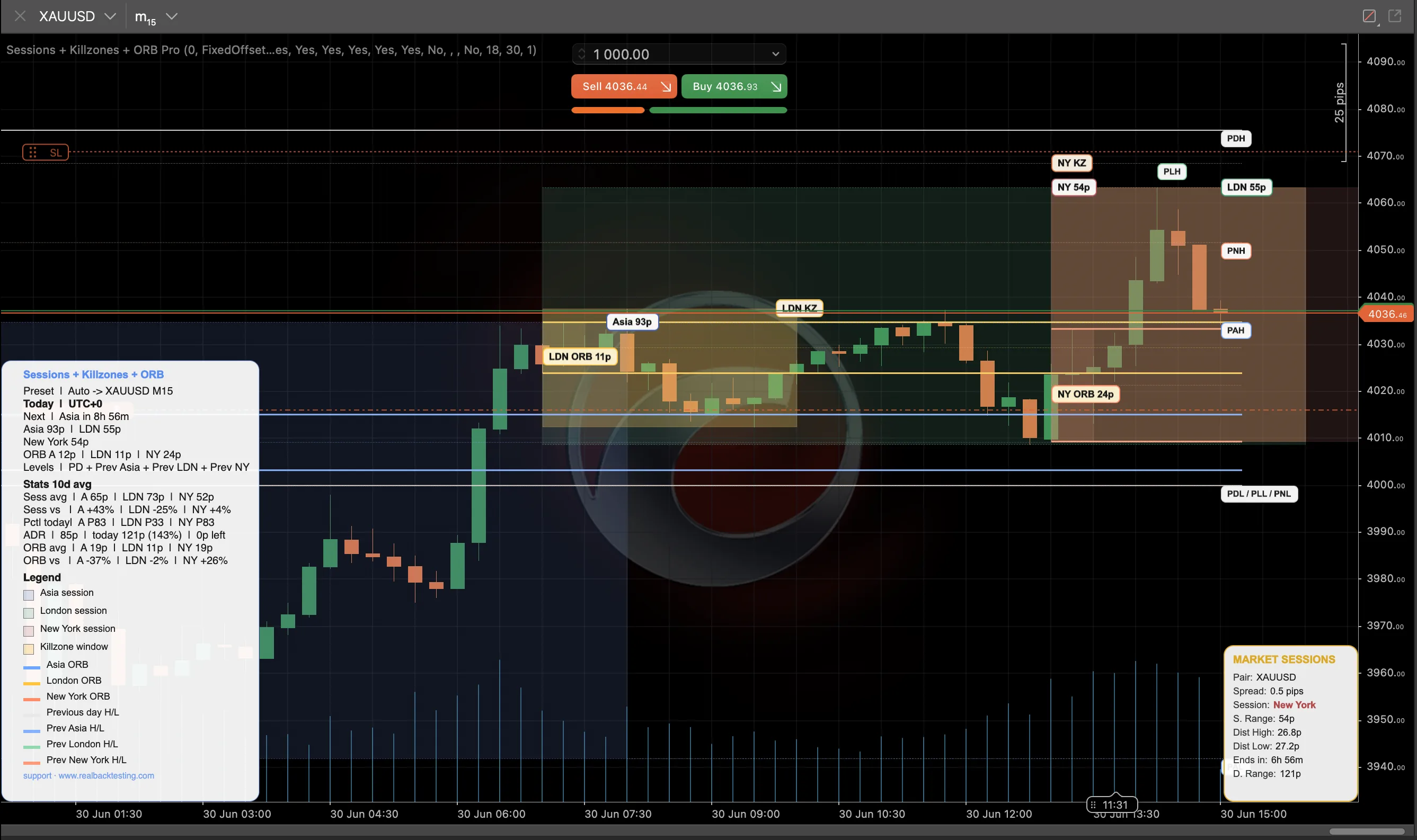 See screenshots ↗
Indicator · cTrader
Sessions, opening ranges and previous levels on your chart.
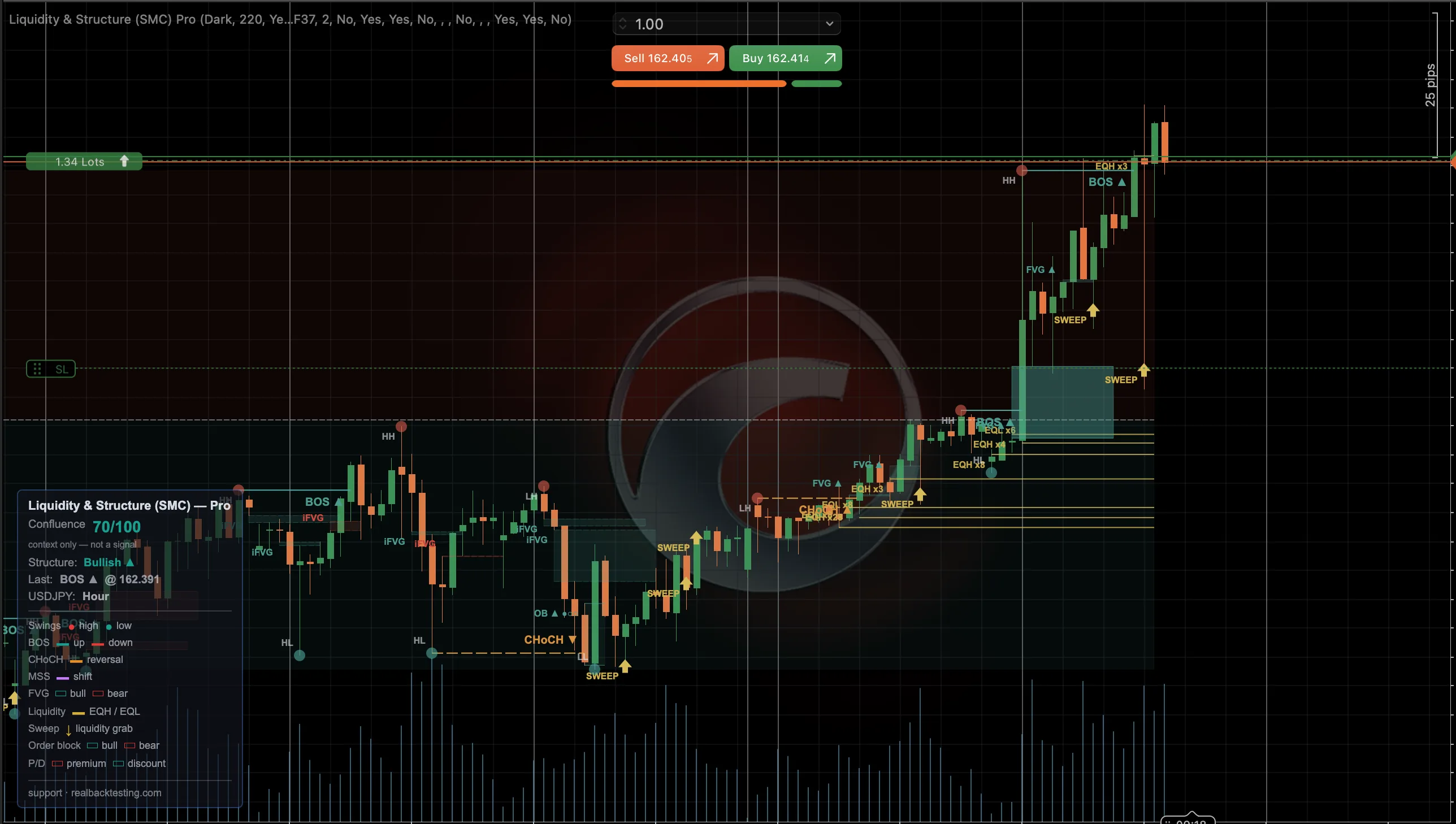 See screenshots ↗
Indicator · cTrader
Market structure, liquidity and price imbalances in one overlay.
Plugins for cTrader
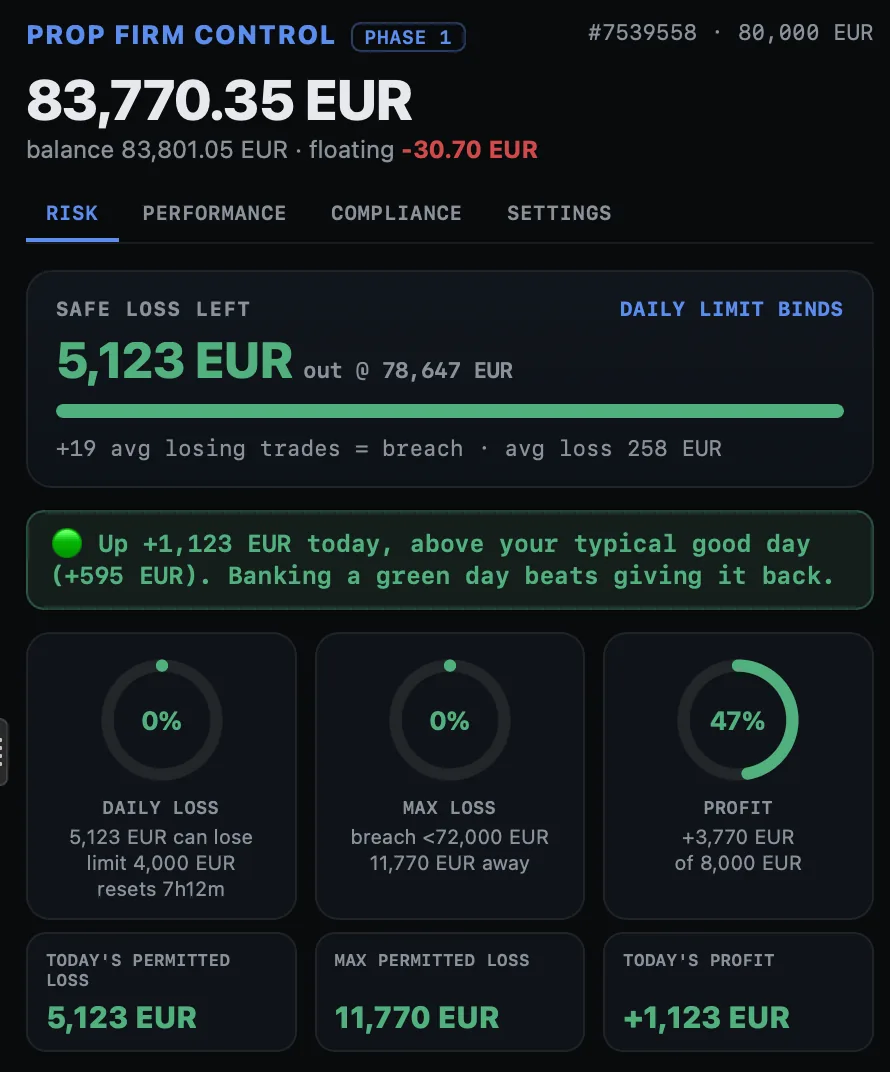 See screenshots ↗
Plugin · cTrader
Daily loss, drawdown and account progress in a single dashboard.
 See screenshots ↗
Plugin · cTrader
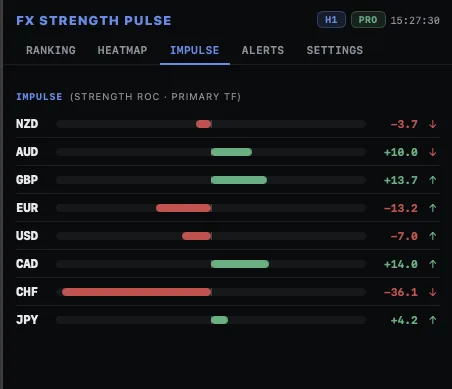
Currency strength, pair comparison and multi-timeframe context.
Tools for cTrader
Lot size from your risk, lines on the chart, and an order check against your daily and total loss before it is sent.
Your daily and maximum loss enforced 24/7, also on a VPS with your computer off. It never opens a trade.
Copy trades between cTrader accounts on one PC or VPS, across brokers. Symbol names are mapped for you.
Read, understand, improve
Context for your trading.
Desk note - Oct 31: tech-led selling breaks the cross-asset pictureTest better. Understand the results.
How to Handle Partial Fills in a cTrader cBotConcepts, explained step by step.
Risk of Ruin in Trading: What the Model MeasuresThe free edition lets you run the historical test before buying.
Find your cBot